By John Smith · Updated January 2026
Introduction
Choosing the best IPTV box in Australia isn’t straightforward. There are dozens of Android-based streaming devices on the market, each promising 4K playback and smooth performance—but most reviews don’t test them under real Australian conditions.
I’ve spent the past three years testing streaming devices from my home in Melbourne, running them on standard NBN 50 and NBN 100 connections, and streaming everything from Friday night AFL to international cricket and weekend movie marathons. Some boxes handled it brilliantly.
Others choked during peak hours or made simple tasks like loading an Electronic Programme Guide (EPG) painfully slow.

This guide breaks down the four devices that actually performed well in my testing. I will discuss the strengths and weaknesses of each device, the required NBN speed, how to optimise your setup, and how to comply with Australian law.
Whether you’re replacing a Foxtel subscription or building your first IPTV setup, this guide is everything you need to make a smart decision.
What Is an IPTV Box?
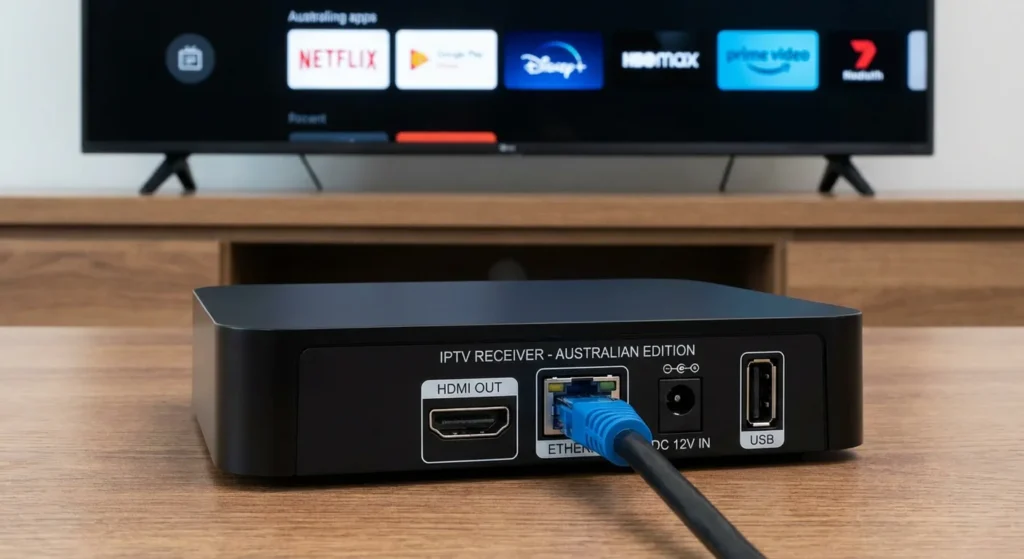
An IPTV box is a dedicated streaming device that receives television content delivered over the internet rather than through traditional cable, satellite, or antenna signals. It connects to your TV via HDMI and runs apps that access live channels, catch-up TV, and video-on-demand libraries using your home broadband connection.
Think of it as a special minicomputer for your TV. Unlike a basic streaming stick, a quality IPTV box typically offers:
- Faster processors for buffer-free 4K playback.
- More storage for apps, cache management, and local recordings.
- Ethernet ports for wired connections (critical for streaming reliability).
- Broad compatibility with top-tier dedicated IPTV apps like TiviMate and IPTV Smarters Pro.
2026 IPTV Trends: What to Look For This Year
Before diving into the reviews, it’s important to understand where the technology is heading in 2026. If you are buying a device today, you want it to be future-proof. Here are the trends defining this year’s top boxes:
- AI Upscaling as a Standard: Devices are increasingly using AI to upscale standard 1080p sports streams to near-4K quality. The NVIDIA Shield pioneered this, but newer processors are making it a baseline feature.
- Wi-Fi 6E & 7 Integration: With NBN rolling out faster gigabit tiers across Australia, newer boxes (like the Fire TV Cube) support Wi-Fi 6E to handle massive bandwidth without needing an Ethernet cable.
- Cloud DVR & Massive Storage: Traditional local recording is shifting. More users are relying on Cloud DVR features built into premium IPTV apps, meaning processor speed is now more important than massive internal hard drives.
- 8K Readiness: While true 8K IPTV broadcasting is still years away, high-end 2026 boxes are starting to feature HDMI 2.1a and AV1 decoding to future-proof your hardware for the next decade.
How I Tested These Devices
Every box in this guide went through the same rigorous, real-world testing process over a minimum of two weeks:
| Test Parameter | Details |
|---|---|
| Internet Connection | NBN 50 (typical evening speed: 38–42 Mbps) and NBN 100 |
| Test Content | Live sports (AFL, NRL, cricket), news broadcasts, 4K movies |
| Peak Hour Testing | 7–10 PM weeknights (Australia’s busiest NBN congestion period) |
| Apps Used | TiviMate, IPTV Smarters Pro, MX Player |
| TV Display | Samsung 65″ 4K QLED via HDMI 2.1 |
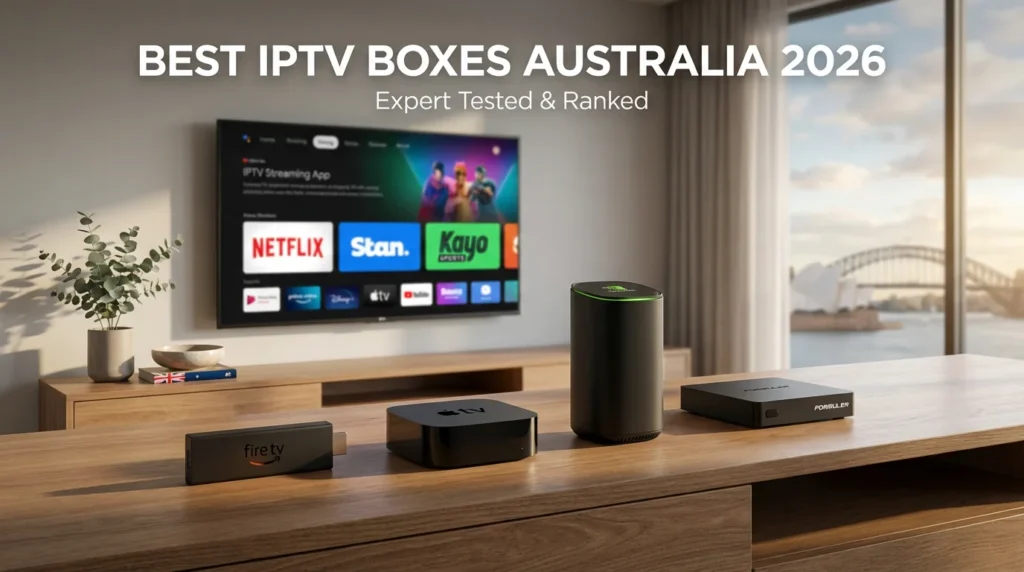
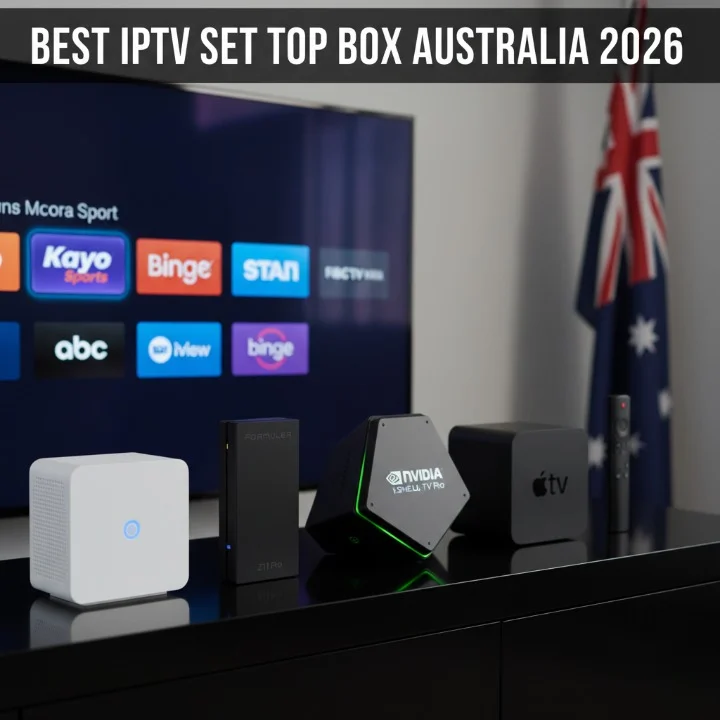
Best IPTV Boxes in Australia — Quick Comparison
Here is a side-by-side look at the four top-performing devices:
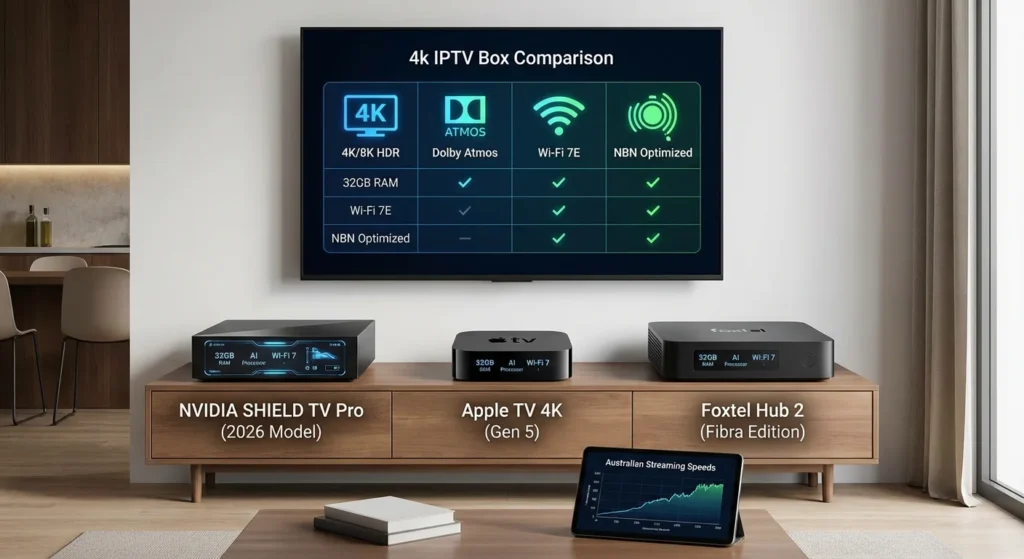
| Device | Price (AUD) | Best For | Processor | RAM | Storage | Wi-Fi | Ethernet |
|---|---|---|---|---|---|---|---|
| NVIDIA Shield TV Pro | ~$350 | Power users | Tegra X1+ | 3GB | 16GB | Wi-Fi 5 | Gigabit |
| Amazon Fire TV Cube | ~$220 | Smart homes | Hexa-core 2.0 GHz | 2GB | 16GB | Wi-Fi 6E | Adapter incl. |
| Formuler Z11 Pro Max | ~$280 | Dedicated IPTV | Amlogic S905X4 | 4GB | 32GB | Wi-Fi 6 | Gigabit |
| BuzzTV X5 | ~$150 | Budget buyers | Amlogic S905X4 | 2GB | 16GB | Wi-Fi 5 | 100 Mbps |
Detailed Reviews
1. NVIDIA Shield TV Pro — Best Overall

The Shield TV Pro remains the undisputed benchmark. Even in 2026, nothing in this price range matches its processing power for IPTV streaming.
- What impressed me: 4K HDR content loaded instantly. The AI upscaling genuinely improved lower-resolution 1080p sports streams, making Friday night footy look incredibly crisp.
- What didn’t: At $350, it’s a premium investment. The lack of Wi-Fi 6 means you should strictly rely on the Gigabit Ethernet port for the best results.
- Who should buy it: Anyone building a serious home theatre. If you want zero compromises, this product is the only real choice.
2. Amazon Fire TV Cube (3rd Gen) — Best for Smart Homes
The Fire TV Cube is the easiest device to live with day-to-day, especially if your home is already integrated with the Alexa ecosystem.

- What impressed me: Wi-Fi 6E support means it’s future-proofed for faster NBN tiers if you can’t run an Ethernet cable. Setup took under ten minutes.
- What didn’t: Popular apps like TiviMate need to be sideloaded using the Downloader app rather than installed directly.
- Who should buy it: Families who want a single, powerful hub for Netflix, Kayo, IPTV, and smart home control.
3. Formuler Z11 Pro Max — Best for Dedicated IPTV
If IPTV is your primary use case—and you aren’t concerned about general streaming apps or gaming—the Formuler Z11 Pro Max is a purpose-built powerhouse.
- What impressed me: The exclusive MYTVOnline 3 app is arguably the best dedicated IPTV interface on the market. EPG loading and channel switching were noticeably faster than third-party apps.
- What didn’t: Outside of IPTV, the overall Android TV experience isn’t as polished as the Shield.
- Who should buy it: Hardcore IPTV enthusiasts who want the smoothest possible experience managing M3U playlists and Xtream Codes.
4. BuzzTV X5 — Best Budget Option
At under $150, the BuzzTV X5 is a fantastic entry point for Australians who want to test the IPTV waters without making a major financial commitment.
- What impressed me: Setup was surprisingly painless. The custom BuzzTV launcher is clean, and the device handled HD and 1080p content beautifully.
- What didn’t: During peak evening hours on my NBN 50 connection, 4K streams occasionally dropped resolution. The 100 Mbps Ethernet port acts as a bottleneck for ultra-high-bitrate streaming.
- Who should buy it: First-time users testing the technology, or anyone streaming primarily in 1080p HD.
Setup & NBN Network Optimization
Getting the box is only half the battle; setting it up correctly for Australian internet conditions is crucial.
| Stream Quality | Minimum Speed | Recommended NBN Tier |
|---|---|---|
| HD (720p–1080p) | 10 Mbps | NBN 25 |
| 4K UHD | 25 Mbps | NBN 50 |
| 4K + Multiple Devices | 50 Mbps | NBN 100 |
I recommend that NBN 50 is the ideal minimum speed for 4K streaming on a single device.
Troubleshooting Common Australian IPTV Issues

Even with the best hardware, you might run into technical hiccups. Here is how to fix the most common ones step-by-step:
Issue 1: Constant Buffering at 8 PM (NBN Congestion)
- Ditch the Wi-Fi: Plug an Ethernet cable directly from your router to your IPTV box.
- Increase App Buffer: Open your IPTV app (e.g., TiviMate) > Settings > Playback > Buffer Size > Change to “Large” or “Very Large”.
- Bypass ISP Throttling: Turn on a reliable Australian VPN to hide your traffic from your ISP.
Issue 2: “403 Forbidden” Error or Channels Not Loading
- Refresh Your IP: Unplug your NBN modem for 5 minutes, then plug it back in.
- Use a VPN: Your ISP or the IPTV server might be blocking your IP. Connecting to a VPN server in Sydney or Melbourne usually bypasses this instantly.
- Update Playlist: Force stop your IPTV app and hit “Update Playlist” in the settings.
Issue 3: Audio and Video Out of Sync
- Adjust Audio Offset: In TiviMate, go to Settings > Playback > Audio offset and adjust it by a few milliseconds until it matches.
- Switch Players: Change the default media player in your app settings to an external app like MX Player or VLC.
Is IPTV Legal in Australia?
The short answer: the hardware is 100% legal. The content you access determines the legality.
Owning an NVIDIA Shield or Fire TV Cube is perfectly fine. However, under the Australian Copyright Act 1968, streaming copyrighted content through unlicensed providers is illegal. The Australian Communications and Media Authority (ACMA) actively monitors and blocks illicit offshore streaming sites at the ISP level.

How to protect yourself:
- Verify your service is licensed to distribute content in Australia.
- Avoid “too good to be true” offers ($10/month for 10,000 premium channels).
- Check the ACMA website for updates regarding blocked services and regulatory enforcement.
Final Verdict
Every box in this guide serves a different type of user:
- Want the best performance money can buy? → NVIDIA Shield TV Pro
- Want easy setup and smart home integration? → Amazon Fire TV Cube
- Want a purpose-built IPTV machine? → Formuler Z11 Pro Max
- Want to test IPTV on a strict budget? → BuzzTV X5
My personal daily driver is the Shield TV Pro connected via Ethernet to an NBN 100 plan. It handles live sports and 4K movies without a single stutter. However, if I were recommending a device to a friend who’s never used IPTV before, I’d point them toward the Fire TV Cube for its incredible simplicity and value.
💡 Ready to upgrade your streaming experience?
Once you’ve chosen your hardware, the next step is getting the right software. Refer to our step-by-step guide on [How to Install TiviMate on Android TV] to get your new box running perfectly.Still not sure which box to pick? Drop a comment below with your current TV setup and NBN speed, and I’ll help you choose the right one!
The Ultimate Guide to the Best IPTV Boxes in Australia is here to help you navigate the world of Internet Protocol Television (IPTV) and find the perfect device for seamless streaming.
As an avid cord-cutter in Melbourne, I’ve spent years testing IPTV boxes to replace expensive cable subscriptions with flexible, high-quality alternatives. IPTV boxes deliver thousands of live channels and video-on-demand (VOD) content directly to your TV, and Australia’s growing NBN infrastructure makes them a game-changer.