

IPTV Devices
Smart TVs, Fire TV, Android TV and Apple devices can run IPTV. Check what your model supports before you buy.

Player Apps
A player app plays the service on your screen. Learn what M3U, Xtream Codes and EPG mean before you choose.

Setup Guides
Step-by-step guides for each device, written from official documentation. Follow the steps in order to add your login and start watching.

Troubleshooting
Buffering, channels not loading or a failed login? Work through the likely causes in order and find the fix faster.

Buy Safely
Learn the warning signs of IPTV scams, which payment methods protect you, and what your refund rights are in Australia.

Plans & Pricing
Clear plans with the price, length and inclusions stated upfront. Compare them side by side and pick what suits your home.
Latest IPTV Guides
Practical help for australian homes

Mauris Cursus Mattis Molestie Aaculis Oterat Pellentesque
Lorem ipsum dolor sit amet, consectetur adipiscing elit, sed do eiusmod tempor incididunt ut labore…

Aenean Tortor Atisus Viverra Adipiscing
Lorem ipsum dolor sit amet, consectetur adipiscing elit, sed do eiusmod tempor incididunt ut labore…

Ultrices Iaculis Nunc Sedaugue Lacus Elementum
Lorem ipsum dolor sit amet, consectetur adipiscing elit, sed do eiusmod tempor incididunt ut labore…
How IPTV Works In Australia
What Is It
IPTV delivers live TV channels, movies and series over your internet connection instead of an antenna, cable or satellite dish. A player app on your smart TV, streaming stick, phone or computer receives the service and shows it on your screen, complete with an on-screen TV guide.
Our Plans
Four things: a compatible device, a player app such as IPTV Smarters or TiviMate, a stable home internet connection, and a subscription that gives you your login details. Most Australian homes already have the first three. New to it all? Our Start Here guide explains each step.
Why Choose IPTVAUSSIE
Reasons you can check yourself

Clear AUD Prices
Full total shown upfront
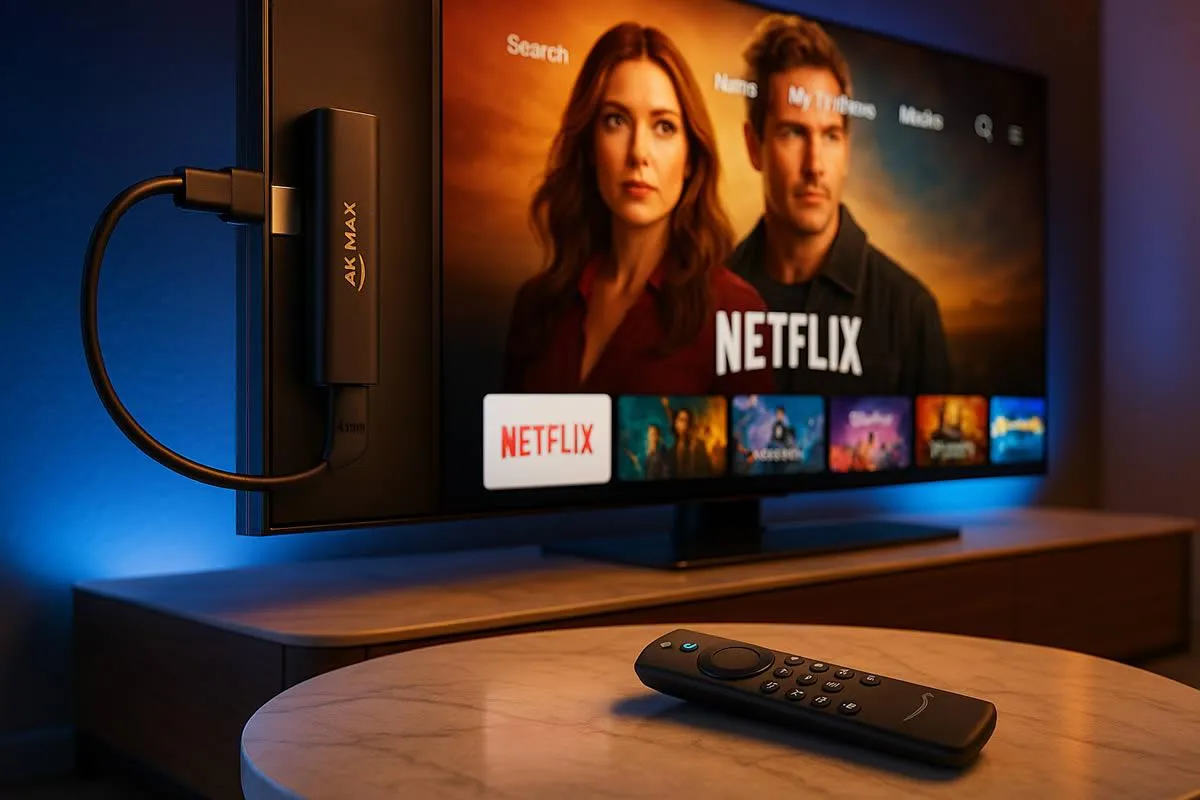
Guides for Your Device
Steps by model and system
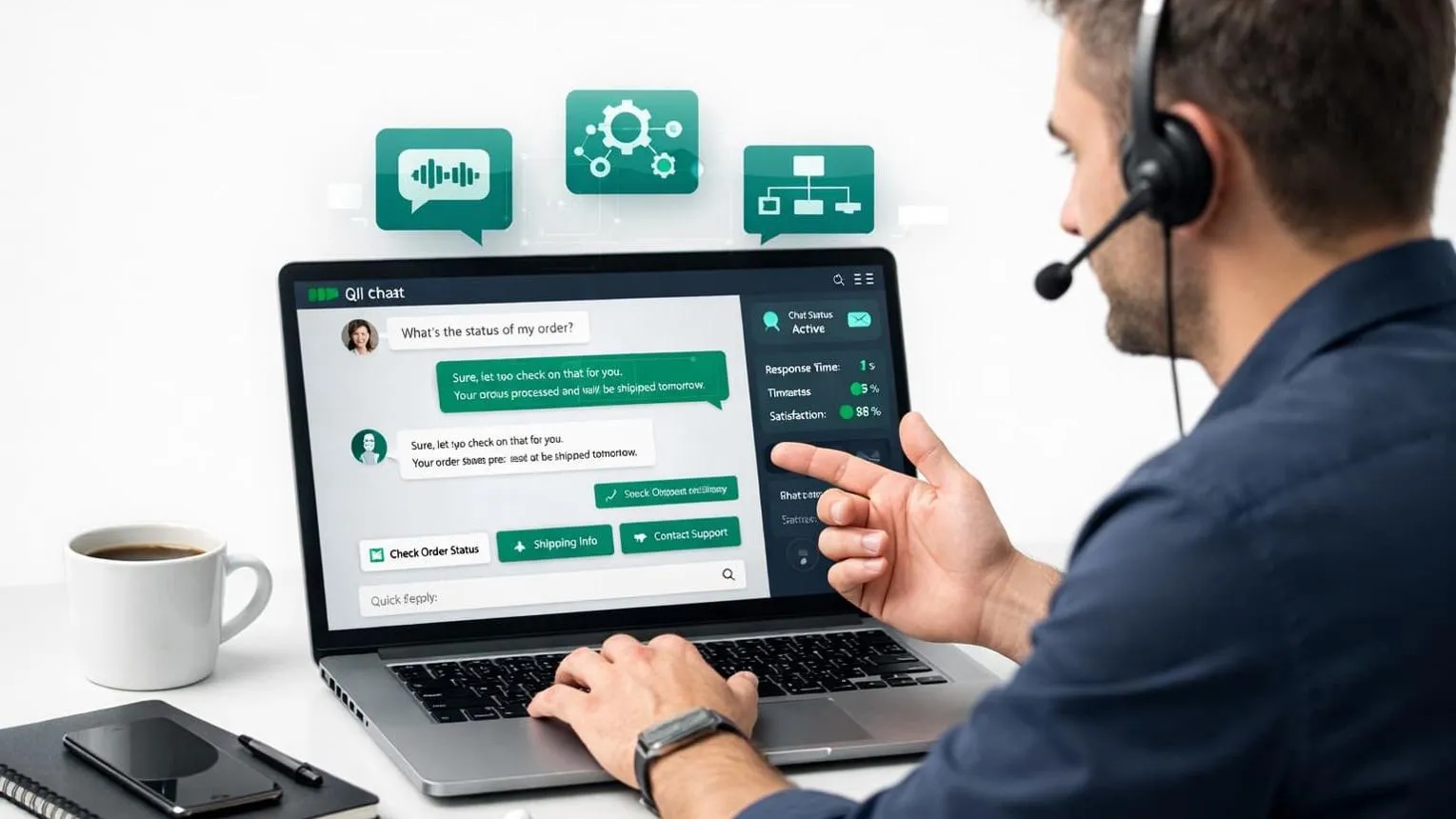
Real Support
Help when something stops

Try Before You Commit
Free trial, plain conditions

How It Works
Three steps to your screen
Choose a Plan
Pick the subscription term that suits your household. The full price for the whole term is shown in Australian dollars before you pay anything.

Install a Player
Follow the setup guide for your exact device and operating system. If your device is not listed, contact us before you buy and we will check it.

Start Watching
Enter the login details we send you into your player, open the TV guide and start watching. If something stops working, our troubleshooting guides help.