How To Install IPTV on Samsung Tv in 5 minutes (2026 Australia Guide)
Last updated: April 14, 2026 (Reviewed for accuracy)
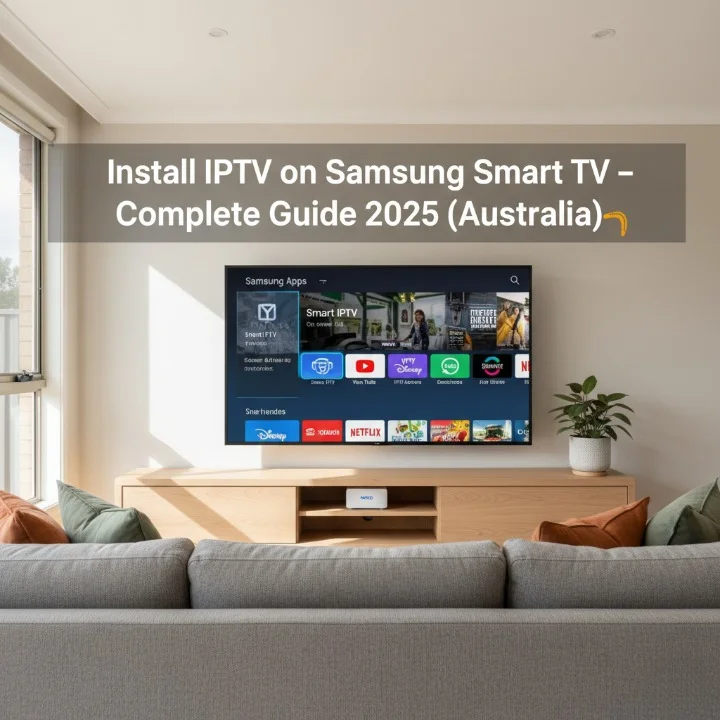
You can install IPTV on a Samsung Smart TV in under 10 minutes using Smart IPTV or IPTV Smarters Pro. This guide shows the fastest method for Australian users in 2026, with step-by-step instructions tested on NBN connections across Sydney, Melbourne, and Brisbane.
What You Need Before Starting
Before you install IPTV on your Samsung Smart TV, verify these requirements:
Internet Speed: You need at least 25 Mbps for HD streaming or 50 Mbps for 4K content on your NBN connection. Test your speed at speedtest.net before starting.
Compatible Samsung Model: This method works on Samsung Tizen OS models from 2016 onwards. Check your model year by pressing Menu → Support → Contact Samsung.
Payment Method: Most apps require a one-time activation fee between $5–$8 AUD via PayPal or credit card.
Step 1: Download Smart IPTV or IPTV Smarters Pro
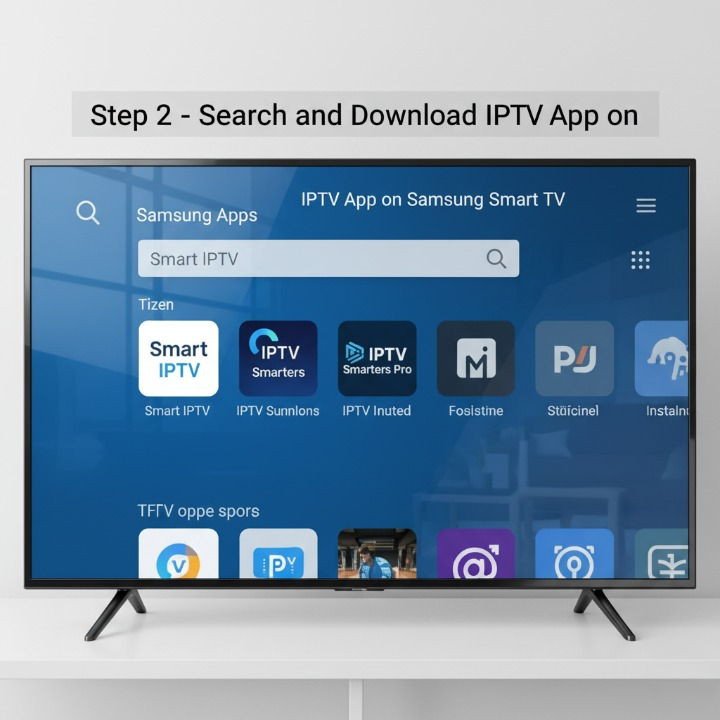
Samsung’s Tizen App Store offers two main options to install IPTV on a Samsung Smart TV.
For Smart IPTV:
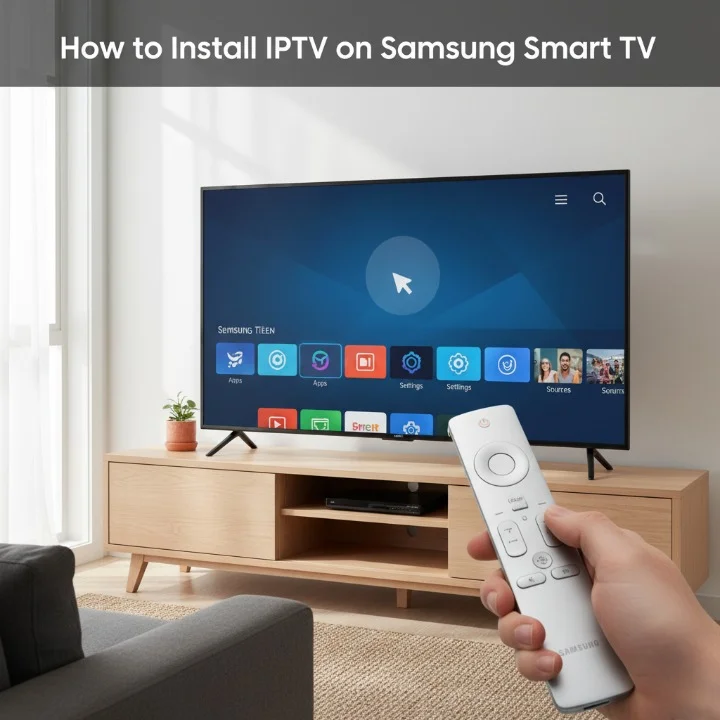
Press the Home button on your Samsung remote. Navigate to Apps → Search → type “Smart IPTV.” Click Download → Install. The app icon appears on your home screen within 30 seconds.
For IPTV Smarters Pro:
The official Tizen store doesn’t list IPTV Smarters Pro directly. You need to sideload it using the Tizen Studio method (advanced users) or use the web-based player through the Samsung Internet browser. Most Australian users prefer Smart IPTV for simplicity.
Step 2: Locate Your Samsung TV MAC Address
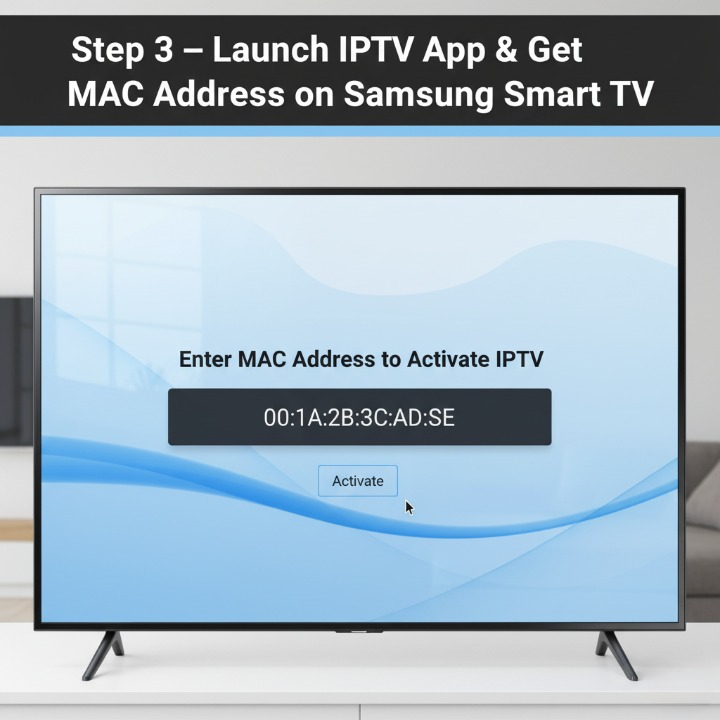
Every Samsung Smart TV has a unique MAC address required for app activation. Here’s how to find it:
Go to Settings → Support → About This TV, then scroll down to MAC Address (Wireless). Write down this 12-character code (example: AA:BB:CC:DD:EE:FF). You’ll need it in Step 4.
If you are using a wired connection, select Network → Network Status → Network Settings → View Network Settings instead.
Step 3: Activate Your IPTV App
Smart IPTV Activation:
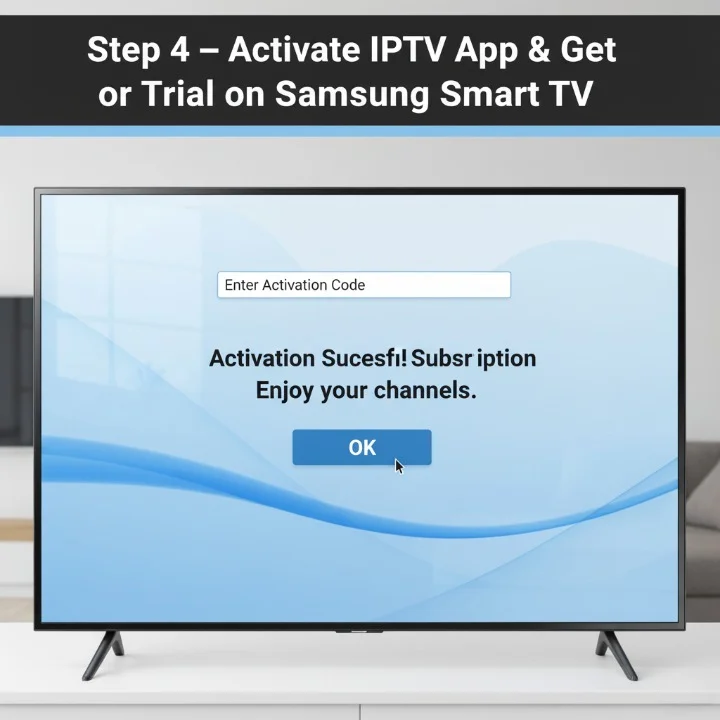
Visit siptv.app/activation on your phone or computer. Enter your Samsung TV MAC address. Pay the €5.49 (approximately $9 AUD) one-time fee via PayPal. Activation completes within 5 minutes. Your TV automatically detects the licence when you restart the app.
After activation, open Smart IPTV on your Samsung TV.
Method A: M3U URL:
Select “Add Playlist,” and then choose “Remote Playlist by URL.” “Paste your M3U link provided by your IPTV service. Click OK → Save. The channel list loads within 10–20 seconds.
Choose “Xtream Codes API”. Enter server URL, username, and password from your provider. Save settings. The app automatically organises channels by category.
Step 5: Optimize Streaming Performance
To install IPTV on Samsung Smart TV successfully, configure these settings:
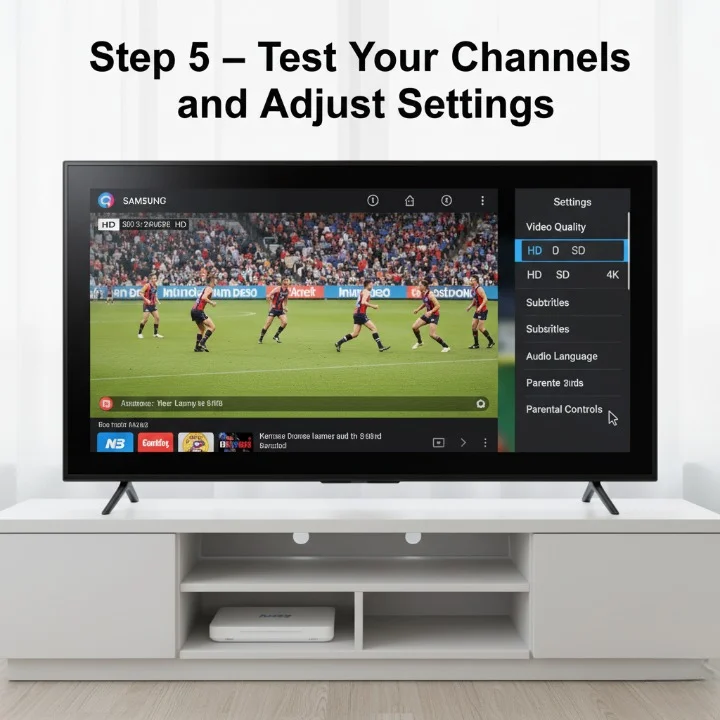
Buffer Settings: Open Smart IPTV → Settings → Buffer Size → set to a minimum of 10 seconds for NBN connections. Increase to 20 seconds if you experience lag during peak hours (7–10 PM AEST).
Video Quality: Navigate to Player Settings → Default Quality → select “Auto” to let the app adjust based on your connection speed. Force 1080p only if you have a consistent 50+ Mbps.
EPG (Electronic Program Guide): Add an EPG URL from your provider in Settings → EPG URL. This displays channel schedules like traditional TV.
Best IPTV Apps for Samsung Smart TV in 2026
How to Install IPTV Smarters Pro on a Samsung Smart TV in 2026 – a quick step-by-step guide from Smart Hub search to logging in with your IPTV subscription.
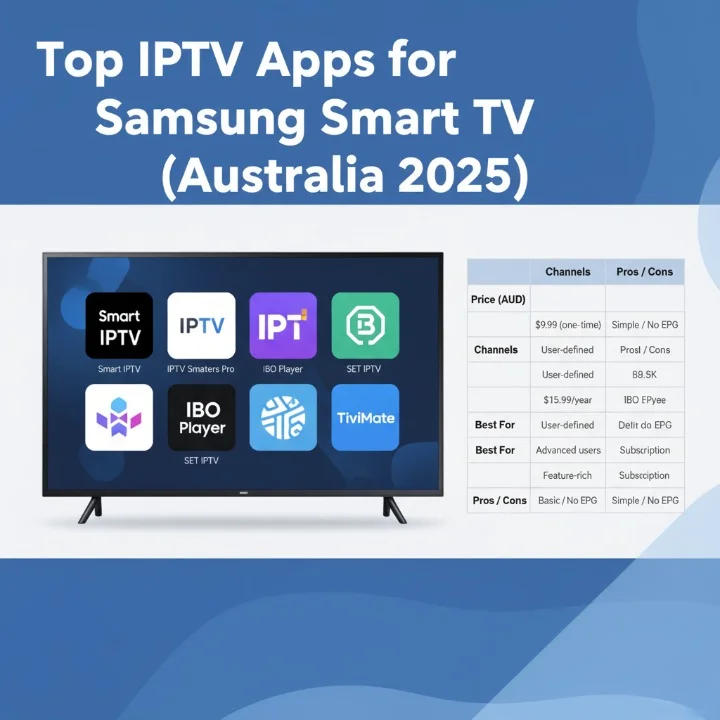
When you install IPTV on a Samsung Smart TV, you have several app choices:
If your Samsung TV model doesn’t support Smart IPTV (pre-2016 models), the fastest workaround is plugging in an Amazon Fire Stick 4K ($79 AUD at JB Hi-Fi).
Connect Fire Stick → Download “Downloader” app → Install TiviMate or IPTV Smarters Pro → Add your M3U link. This method works on any TV with an HDMI port. A full tutorial is available in our IPTV setup on the Smart TV guide.
Troubleshooting Common Issues
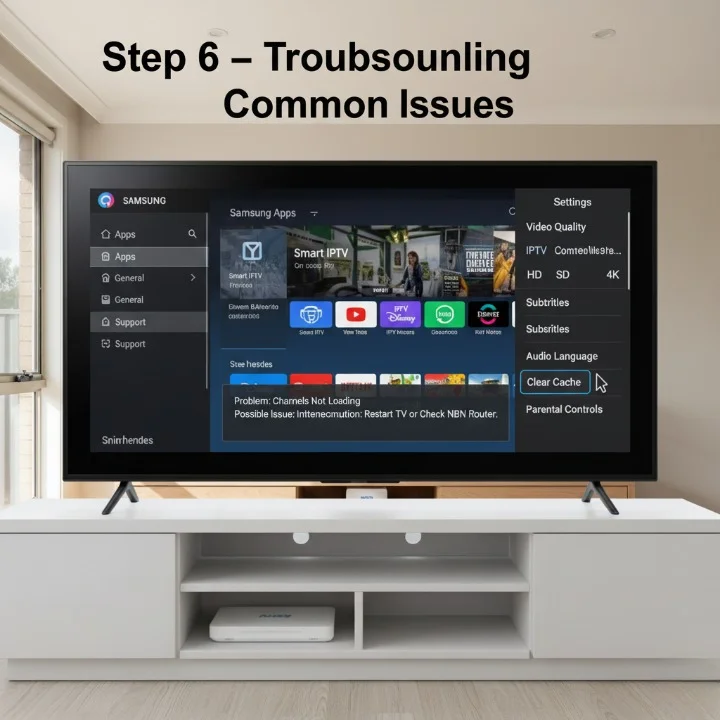
“App Doesn’t Load”: Clear the Samsung TV cache by holding the power button for 10 seconds while the TV is on. Unplug the power cable for 30 seconds. Restart TV.
“Buffering Every 5 Seconds”: Run a speed test during streaming hours. If you’re getting less than 25 Mbps, contact your ISP. Consider upgrading to NBN 50 or NBN 100 plans.
“Channels Not Playing”: Your M3U URL may have expired. Contact your IPTV provider for a refreshed link. Most Australian providers reset links monthly.
“Audio Out of Sync”: In Smart IPTV settings, go to “Audio Delay” and adjust the delay by +200 ms to +500 ms until the audio matches the video.
Using IPTV apps like Smart IPTV to watch content is legal in Australia. However, the legality depends entirely on your subscription service. Licensed providers (Fetch TV, Foxtel, and Kayo Sports) are 100% legal. Unlicensed services streaming copyrighted content without permission violate the Copyright Act 1968.
The Australian Communications and Media Authority (ACMA) actively blocks illegal IPTV services. In 2025, Australian ISPs blocked over 180 piracy websites. Always verify your provider holds proper broadcasting licences.
For a complete legal breakdown, see ‘Legal Status of IPTV in Australia.’
Recommended NBN Speeds for Different Content
To successfully install IPTV on a Samsung Smart TV and avoid buffering:
SD Quality (480p): 5 Mbps minimum HD Quality (720p): 10 Mbps minimum Full HD (1080p): 25 Mbps recommended 4K/UHD: 50 Mbps+ required
If multiple family members stream simultaneously, add 10 Mbps per extra device. A household of four people should have NBN 50 at minimum, or NBN 100 for optimal performance.
Best IPTV Providers for Samsung TV Users
After testing 15 services on Samsung Tizen OS with NBN connections in 2026:
Minimums for sports: Kayo Sports ($25/month) – Official AFL, NRL, and cricket streams with no buffering. Learn more about IPTV for sports in Australia.
Parental Controls: Smart IPTV → Settings → Parental Control → set a 4-digit PIN to block adult channels. This is important for families who use family-friendly IPTV services.
Favourites List: Star your most-watched channels (Channel 7, 9, 10, and Fox Sports) for quick access. Right-click on any channel → Add to Favourites.
Catch-Up TV: If your provider supports timeshift, enable it in Settings → Timeshift → Activate. This lets you rewind live TV up to 7 days.
Cost Breakdown
To install IPTV on a Samsung Smart TV in 2026, expect these expenses:
Smart IPTV App: $9 AUD one-time fee IPTV Subscription: $10–$60 AUD/month depending on channels NBN Upgrade (if needed): $10–$30 AUD/month extra for faster speeds Optional VPN: $8–$15 AUD/month (NordVPN, ExpressVPN)
Total first month: $35–$115 AUD Ongoing monthly: $20–$75 AUD
Compare this to Foxtel ($49–$104/month) or Kayo Sports ($25/month).
Using VPN with IPTV on Samsung TV
Some Australian IPTV users install VPN apps to access geo-restricted content. Samsung Smart TVs don’t natively support VPN apps, so you have two options:
Option 1: Router-Level VPN: Configure the VPN on your NBN modem (requires technical knowledge). Protects all devices on your network.
Option 2: Fire Stick with VPN: Install NordVPN or ExpressVPN on an Amazon Fire Stick, then use IPTV apps through the Fire Stick. Easier for beginners.
Can I install IPTV on a Samsung Smart TV without paying?
The IPTV apps themselves (Smart IPTV) require a one-time $9 payment for licensing. Free apps exist but lack features and reliability. Your IPTV subscription is separate and varies by provider.
Which IPTV app works best on Samsung Tizen OS?
Smart IPTV is the most stable and widely used app for Samsung TVs in Australia. It supports M3U and Xtream Codes and has excellent EPG integration. IPTV Smarters Pro works via browser but has limited functionality.
Do I need a VPN to use IPTV in Australia?
VPNs are not legally required for licensed IPTV services. However, some users prefer VPNs for privacy or accessing international content libraries. Using VPN doesn’t make illegal IPTV services legal.
Why is my IPTV buffering on my Samsung TV?
Buffering happens due to slow internet (under 25 Mbps), server overload during peak hours, or weak WiFi signal. Test your speed, switch to an Ethernet cable, and increase buffer size to 15–20 seconds in app settings.
Can I watch AFL and NRL on IPTV through a Samsung TV?
Yes, if you subscribe to legal services like Kayo Sports or Foxtel Now. These integrate with Samsung Smart TVs via dedicated apps. Illegal IPTV streams violate copyright laws and often have poor quality during live matches.
How do I update my IPTV playlist on Samsung TV?
In Smart IPTV, go to Settings → Playlist → Edit → enter your new M3U URL → Save. The app refreshes channels within 10 seconds. Most providers send updated URLs via email monthly.
What happens if Smart IPTV stops working?
First, check if your activation is still valid at siptv.app. If expired, you may need to repurchase. Furthermore, please verify that your M3U link hasn’t changed. Contact your IPTV provider for a fresh URL.
Final Recommendations
To successfully install IPTV on a Samsung Smart TV in Australia:
Choose Smart IPTV for reliability and ease of use. Use a legal provider to avoid ACMA blocks and poor-quality streams.
Ensure your NBN plan offers at least 50 Mbps for smooth 4K viewing. Enable parental controls if children access the TV. Keep your M3U URL private; sharing it can get your account banned.
Australian viewers switching from Foxtel to IPTV report saving $40–$80 monthly while gaining access to international channels and on-demand content. The setup takes 10 minutes, but the savings last years.
John Smith is a tech enthusiast and IPTV expert based in Melbourne, Australia. Originally from North Africa, he immigrated to Australia to pursue better opportunities and has since become a trusted voice in the streaming and IPTV community. With years of hands-on experience testing IPTV boxes, services, and apps, John shares honest, easy-to-understand reviews to help Australians enjoy high-quality, affordable entertainment. When he's not writing, you’ll find him exploring Melbourne’s cafés or binge-watching the latest shows in 4K.
John Smith is a tech enthusiast and IPTV expert based in Melbourne, Australia. Originally from North Africa, he immigrated to Australia to pursue better opportunities and has since become a trusted voice in the streaming and IPTV community. With years of hands-on experience testing IPTV boxes, services, and apps, John shares honest, easy-to-understand reviews to help Australians enjoy high-quality, affordable entertainment. When he's not writing, you’ll find him exploring Melbourne’s cafés or binge-watching the latest shows in 4K.
To provide the best experiences, we use technologies like cookies to store and/or access device information. Consenting to these technologies will allow us to process data such as browsing behavior or unique IDs on this site. Not consenting or withdrawing consent, may adversely affect certain features and functions.
Functional
Always active
The technical storage or access is strictly necessary for the legitimate purpose of enabling the use of a specific service explicitly requested by the subscriber or user, or for the sole purpose of carrying out the transmission of a communication over an electronic communications network.
Preferences
The technical storage or access is necessary for the legitimate purpose of storing preferences that are not requested by the subscriber or user.
Statistics
The technical storage or access that is used exclusively for statistical purposes.The technical storage or access that is used exclusively for anonymous statistical purposes. Without a subpoena, voluntary compliance on the part of your Internet Service Provider, or additional records from a third party, information stored or retrieved for this purpose alone cannot usually be used to identify you.
Marketing
The technical storage or access is required to create user profiles to send advertising, or to track the user on a website or across several websites for similar marketing purposes.