Introduction
Australians searching to get IPTV Australia often want an alternative to traditional pay TV that offers flexibility, lower costs, and access to diverse content.
The appeal is clear: stream live channels and on-demand shows across multiple devices without locked-in contracts.

However, the IPTV landscape in Australia includes both legitimate licensed services and grey-market options that raise legal and reliability concerns.
This guide cuts through the confusion with practical answers about device compatibility, NBN performance requirements, and how Australian regulations from ACMA affect your choices.
You’ll find straightforward comparisons and realistic expectations rather than hype.
What is Get IPTV Australia, and how does it work?
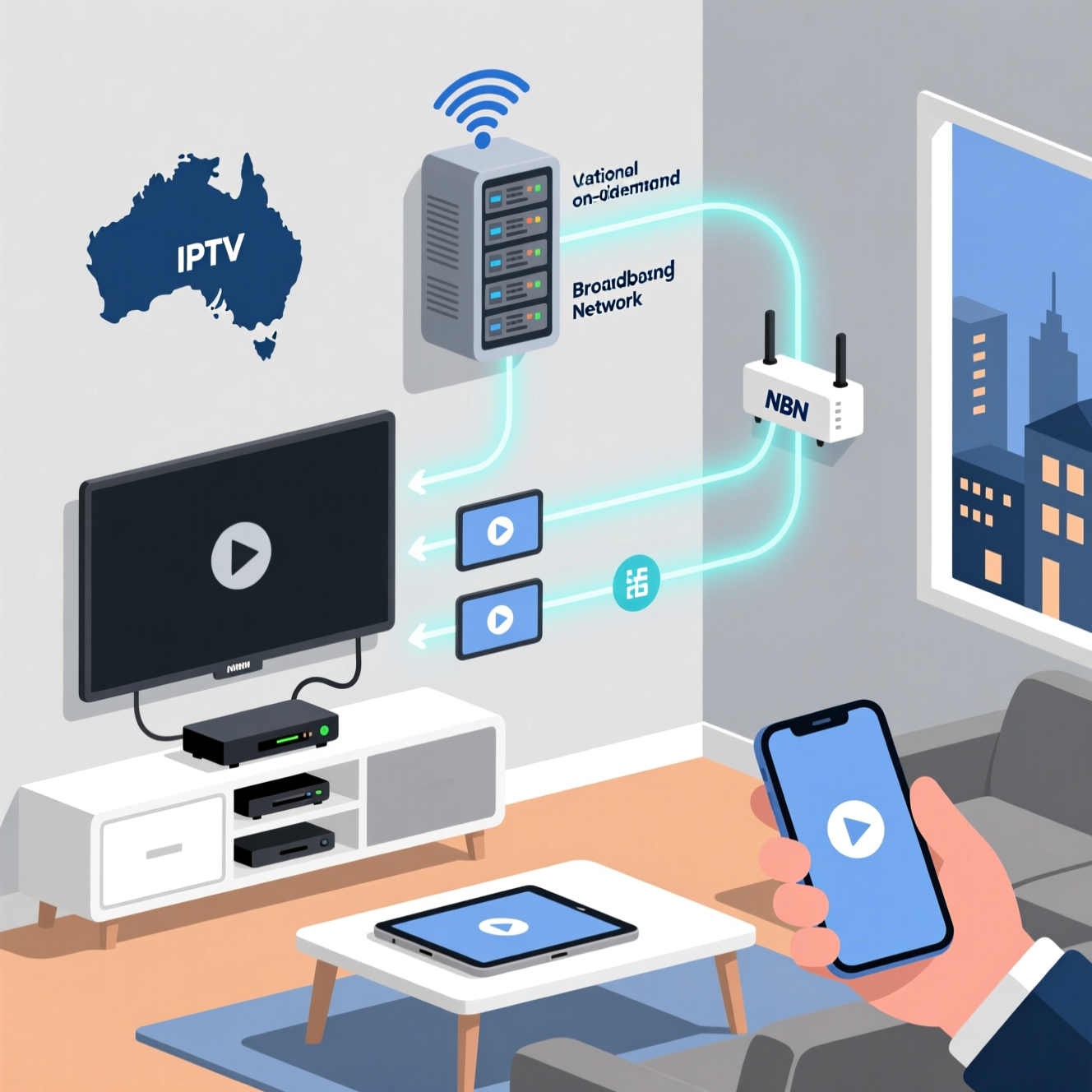
IPTV delivers television content over your internet connection instead of satellite dishes or cable infrastructure.
You access live channels, sports, movies, and on-demand libraries through apps on smart TVs, streaming devices, or smartphones using your NBN or home broadband.
Key features include:
- Live TV channels (local Australian networks, international content)
- On-demand libraries (catch-up TV, movie catalogs)
- Multi-device streaming (watch on TV, tablet, phone simultaneously)
- DVR/recording capabilities (varies by provider)
Critical distinction: Licensed IPTV services like Kayo, Binge, and Foxtel Now operate legally with content rights. Grey-market IPTV services often lack proper licensing and may violate copyright laws, risking service interruptions or legal consequences.
Can you get IPTV in Australia legally and safely?
Yes, multiple legitimate IPTV options operate legally in Australia with proper content licensing.
These services comply with Australian Communications and Media Authority (ACMA) regulations and pay broadcasters for distribution rights, ensuring reliability and legal protection for users.
Licensed vs Unlicensed IPTV Comparison
| Aspect | Licensed Services | Grey/Illegal Services |
|---|---|---|
| Legal Status | Fully compliant with ACMA | Copyright violations likely |
| Reliability | Stable streams, customer support | Frequent outages, no guarantees |
| Content Rights | Properly licensed Australian and international content | Unauthorized streams |
| Payment Security | Secure billing, refund policies | Risky payment methods |
| User Risk | None | Potential ISP warnings, service loss |
Australian context: ACMA actively monitors illegal IPTV operations.
While individual users rarely face prosecution, services get shut down regularly, leaving subscribers without access or refunds.
What common problems do Australians face with IPTV?
The most frequent issue is buffering during peak hours, particularly on NBN connections with congested evening bandwidth. Smart TV apps sometimes crash or fail to update properly.
Households streaming on multiple devices simultaneously exhaust available bandwidth, causing quality drops across all screens.
Typical scenarios:
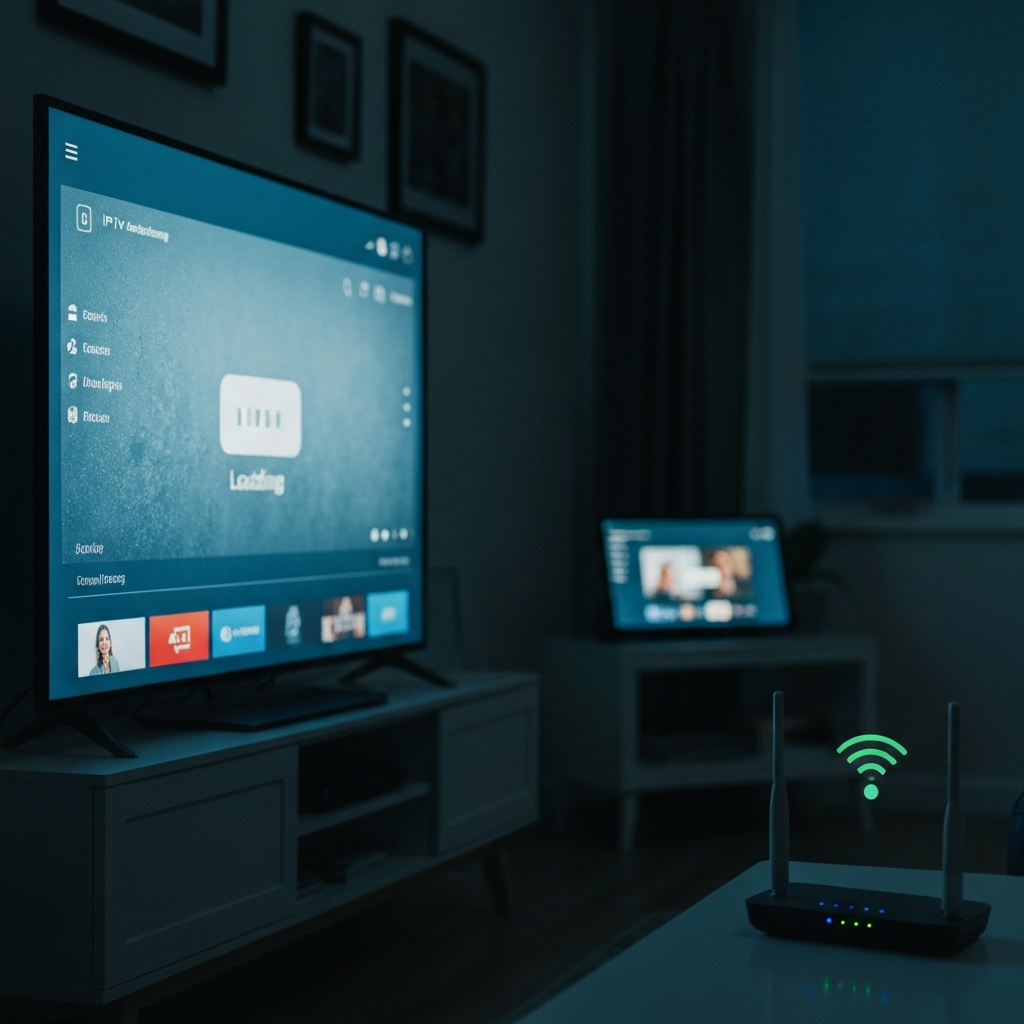
Buffering on NBN50: A Brisbane family on NBN50 (50 Mbps download) experiences stuttering when two TVs stream HD content while kids use YouTube.
The connection can’t handle combined demand.
Smart TV compatibility: Older Samsung or LG models may lack updated IPTV apps or refuse to install certain services altogether, forcing users to buy external streaming devices.
Multi-device limits: Most services cap simultaneous streams at 2-3 devices.
A Melbourne household with 4 people hits these limits during evening viewing, requiring strategic scheduling or upgraded plans.
Practical solutions:
- Upgrade to NBN100 if multiple simultaneous streams are routine
- Use Ethernet cables for main TV instead of WiFi
- Close background apps consuming bandwidth
- Restart streaming devices weekly to clear cache issues
- Check router placement—walls and distance degrade WiFi signals
How should Australians choose the right IPTV service in 2026?
Prioritise legal services with transparent pricing and Australian customer support. Evaluate your actual viewing habits—sports fans need different features than movie watchers.
Check device compatibility before subscribing, and test with free trials when available rather than committing to annual plans.
Decision factors that matter:
- Content library: Does it include your preferred sports codes, channels, or international programming?
- Device ecosystem: Works seamlessly with your existing Samsung TV, Apple TV, or Android devices?
- Bandwidth requirements: Matches your NBN tier—4K streaming needs 25+ Mbps per screen
- Contract flexibility: Monthly cancellation vs locked-in commitments
- Simultaneous streams: Covers your household size (2 streams vs 4+ screens)
- Customer support: Australian-based help desk vs offshore chatbots
Service Selection Framework
| Factor | Budget-Conscious | Sports-Focused | Family/Multi-Device |
|---|---|---|---|
| Pricing Range | $10-20/month | $25-40/month | $20-35/month |
| Key Feature | Basic channel lineup | Live sports, replays | Multiple profiles, parental controls |
| Device Needs | Single TV setup | Reliable mobile streaming | 3-4 concurrent streams |
How to set up Get IPTV Australia step by step
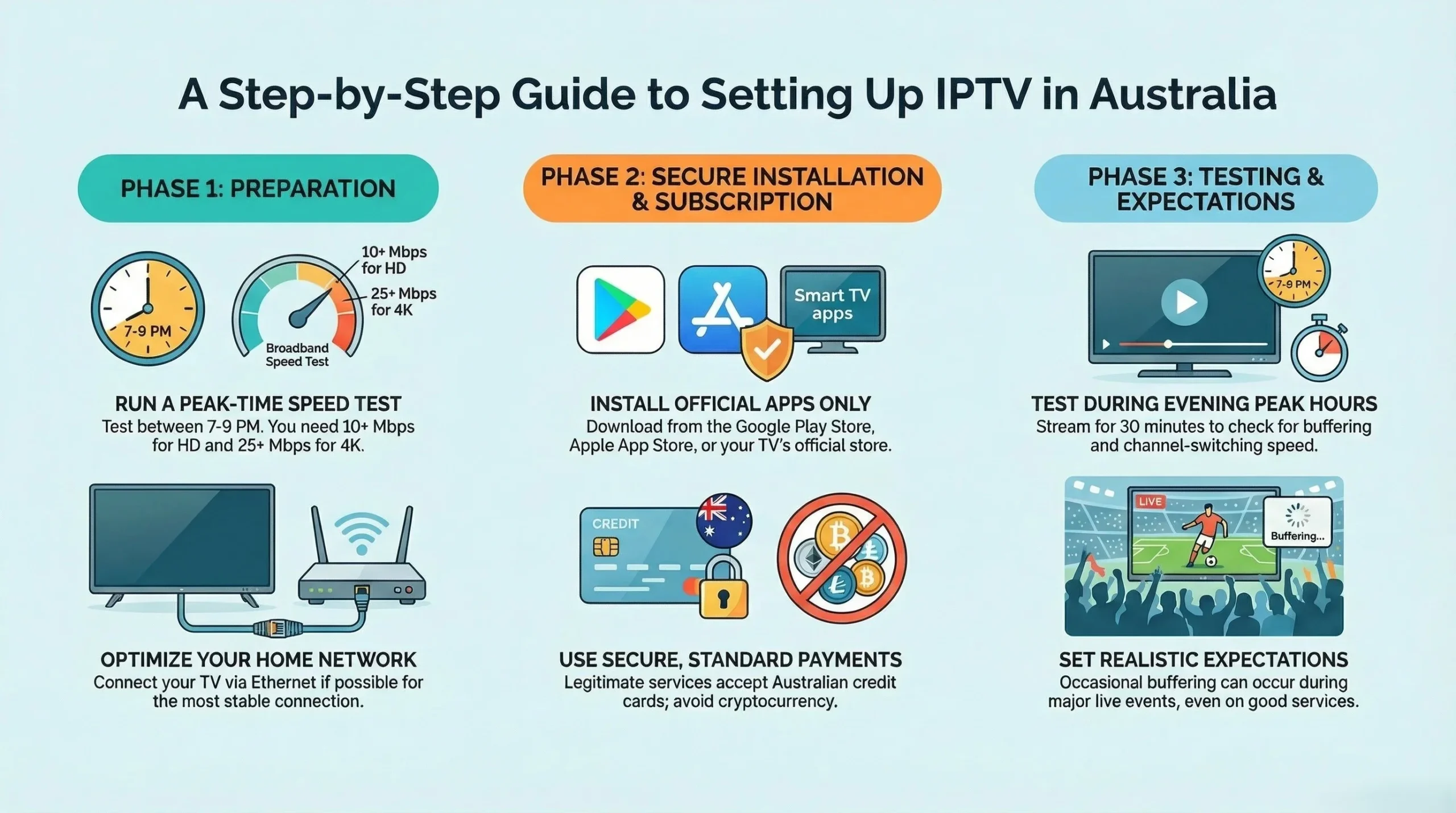
Download the provider’s app from your device’s official store—never sideload unauthorised apps.
Create an account using a valid email and Australian payment method.
Enter your subscription credentials, then test streaming quality during evening peak hours to confirm your connection handles the load adequately.
Watch this step-by-step tutorial on setting up IPTV safely in Australia before continuing with the guide below.
Setup process:
- Verify NBN speed: Run a speed test at speedtest.net during 7-9 PM (peak hours).
- You need a minimum of 10 Mbps per HD stream and 25 Mbps for 4K.
- Install official apps: Download from Google Play, the Apple App Store, or your smart TV’s app marketplace.
- Avoid third-party app stores or APK files.
- Configure network: Connect your primary TV via Ethernet if possible. Position the WiFi router centrally if you are using wireless, ideally within 10 meters of streaming devices.
- Create an account and subscribe: use credit cards from Australian banks. Avoid cryptocurrency payments or obscure payment processors—legitimate services accept standard methods.
- Test systematically: Stream for 30 minutes during peak evening hours. Determine if quality holds steady, if switching channels responds quickly, and if multiple devices can stream simultaneously without buffering.
Realistic expectations: Even licensed services occasionally buffer during major live events when thousands stream simultaneously. No IPTV service guarantees perfect uptime.
Expert overview of available options
Licensed Australian IPTV services offer varying strengths depending on your priorities. Sports-focused platforms excel at live events but lack comprehensive movie libraries. Entertainment-orientated services provide extensive on-demand catalogues but minimal live channels.
Hybrid options attempt both but typically cost more.
Australian IPTV Service Comparison
| Service Type | Content Strengths | Best For | Device Support | Typical Limitations |
|---|---|---|---|---|
| Sports-Focused | Live AFL, NRL, cricket, international sports | Sports enthusiasts, pub venues | Excellent mobile apps | Limited non-sports content |
| Entertainment | Movies, series, lifestyle channels | General viewing, families | Smart TV prioritized | Fewer live channels |
| Hybrid/Traditional | Comprehensive channel lineup | Replacing cable TV entirely | Widest compatibility | Higher monthly costs |
| International | Ethnic channels, foreign language content | Diaspora communities | Variable app quality | Niche audience only |
Sydney scenario: A household wanting Saturday NRL plus weeknight movies needs either two separate subscriptions or accepts a compromise with a single hybrid service that does both adequately but neither exceptionally.
Parental control note: Families with children should verify PIN-protected content ratings and profile management before subscribing—implementation quality varies significantly between providers.
What devices support IPTV streaming in Australia?
Most modern smart TVs from Samsung, LG, Sony, and Hisense support major Australian IPTV apps natively.
Streaming devices like Apple TV 4K, Chromecast with Google TV, and Amazon Fire TV Stick provide reliable alternatives for older TVs or better app performance.
Compatible devices:
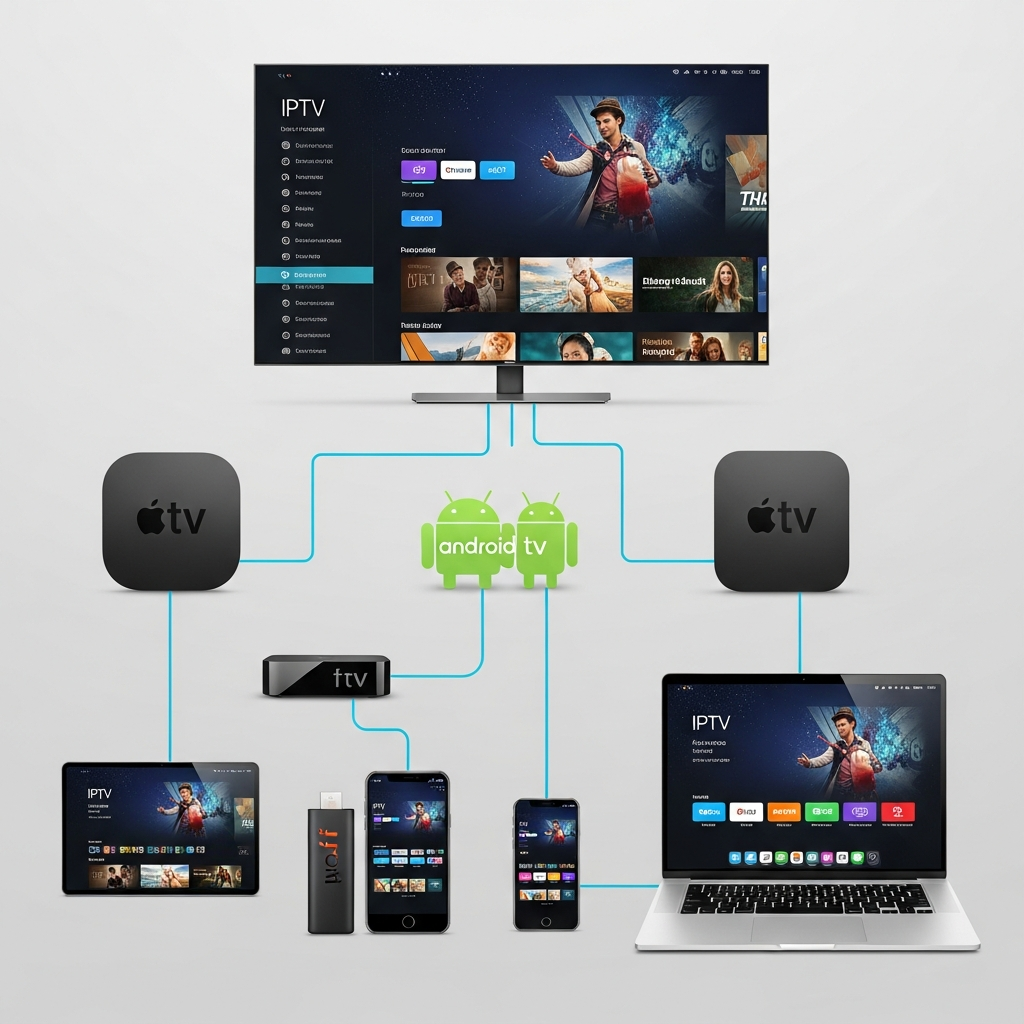
- Smart TVs (2018 models or newer recommended)
- Apple TV HD and 4K models
- Google Chromecast devices
- Amazon Fire TV Stick and Cube
- Android TV boxes from reputable brands
- Gaming consoles (PlayStation 4/5, Xbox One/Series)
- iOS and Android smartphones/tablets
- Windows and Mac computers via web browsers
Device selection advice: Budget streaming sticks ($50-80) work adequately for HD content.
Invest in premium devices ($200+) only if you prioritise 4K HDR streaming and have NBN bandwidth to support them.
How much does IPTV cost in Australia?
Legal IPTV services range from $10-15 monthly for basic entertainment packages to $35-50 for comprehensive sports and premium content bundles.
Annual subscriptions often discount monthly rates by 15–20%. Grey-market services advertise lower prices but offer no guarantees or consumer protections.
Pricing tiers:
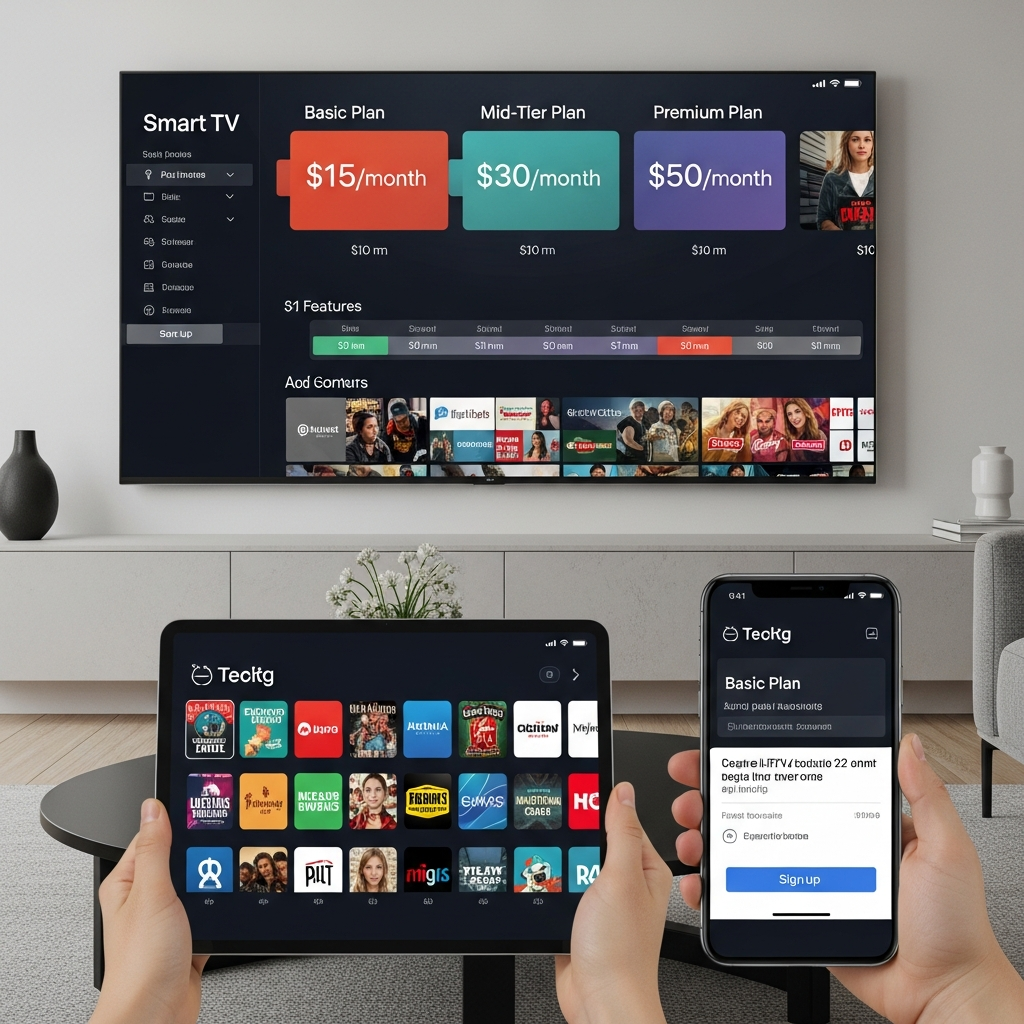
Basic entertainment: $10-20/month—limited channel selection, standard definition, 1-2 simultaneous streams
Mid-tier hybrid: $20-35/month—broader content mix, HD streaming, 2-3 devices, some sports coverage
Premium sports/complete: $35-50/month—extensive live sports, 4K where available, 3-4 concurrent streams, premium channels
Add-ons: Expect $5–15 monthly for additional content packages, like international channels or specialised sports codes.
Total cost reality: A Melbourne household wanting comprehensive sports plus entertainment typically pays $40-60 monthly across 1-2 subscriptions—comparable to traditional pay TV but with more flexibility.
FAQ

receive Can you get IPTV in Australia without internet?
No, IPTV fundamentally requires an internet connection to deliver content.
Unlike satellite TV that receives signals via dish, IPTV streams data through your NBN or broadband service.
A minimum of 10 Mbps per HD stream is essential. Consider traditional antenna-based free-to-air TV or satellite if reliable internet is unavailable.
How to obtain IPTV in Australia if NBN is slow?
Upgrade your NBN tier to at least NBN50 for single-user HD streaming or NBN100 for households with multiple simultaneous viewers.
Use Ethernet connections instead of WiFi for main TVs.
Stream during off-peak hours when possible. Alternatively, download content overnight where services offer offline viewing rather than relying solely on live streams.
Are free IPTV services in Australia legitimate?
Free-to-air catch-up services like ABC iView, SBS On Demand, and 7plus are completely legal and free.
However, “free IPTV” services advertising thousands of international channels typically operate illegally without content licensing.
These services frequently shut down, may contain malware, and offer no recourse when problems occur.
Stick with recognisable Australian brands.
What happens if I use illegal IPTV in Australia?
Australian ISPs may issue copyright infringement warnings at content owners’ requests.
While individual prosecution remains rare, the purchased service itself typically disappears without refund when authorities shut down operators.
Grey-market subscriptions may compromise payment information.
You lose all access instantly with no customer support or compensation.
Can you get IPTV in Australia on multiple TVs simultaneously?
Yes, but simultaneous stream limits vary by provider—typically 2-3 devices concurrently.
A family of four wanting independent viewing on separate TVs needs a plan supporting 4 simultaneous streams, which usually costs $35-45 monthly.
Some services charge an extra fee for each additional screen.
Check specific terms before subscribing to avoid frustration.
Do I need a VPN to get IPTV Australia services?
VPNs are unnecessary for licensed Australian IPTV services—they function perfectly over standard connections.
Some grey-market services suggest VPNs to hide activity, but this doesn’t make illegal streaming legal.
VPNs may actually slow your connection due to encryption overhead, worsening buffering problems.
Use VPNs only for legitimate privacy reasons; do not access unauthorised content.
What internet speed do I need for IPTV in Australia?
HD streaming requires a minimum of 10 Mbps per device; 4K needs 25+ Mbps per screen. A household streaming on three devices simultaneously needs at least 30-50 Mbps total (NBN50 or higher).
Factor in other internet usage—video calls, gaming, and large downloads competing for bandwidth.
Test your actual speed during evening peak hours at speedtest.net, not just the advertised plan speed.
How does buffering differ between licensed and unlicensed IPTV?
Licensed services may be buffered primarily due to local internet congestion or insufficient bandwidth, which can be fixed by upgrading the NBN or improving your home network setup.
Unlicensed services buffer from server overload, lack of infrastructure investment, and deliberate throttling by ISPs blocking known piracy sources. Even with excellent internet, illegal streams remain unreliable because the service itself operates on inadequate infrastructure.
Conclusion
Getting IPTV in Australia means choosing between licensed services that offer reliability and consumer protection versus grey-market options that promise more for less but deliver uncertainty.
Your NBN connection, device compatibility, and actual viewing habits matter more than advertised channel counts. Focus on legal providers matching your specific needs—whether sports-centric, entertainment-focused, or hybrid—and test during peak hours before committing long-term. Informed decisions based on realistic expectations prevent frustration and wasted money.